
Before you hire
an AP clerk
If you’re running the business yourself or with a small team, another hire is a significant step. Consider a defined service to take on the day-to-day accounts payable work.
Get startedA dedicated accounts payable service. From incoming invoices to payment records.
Get started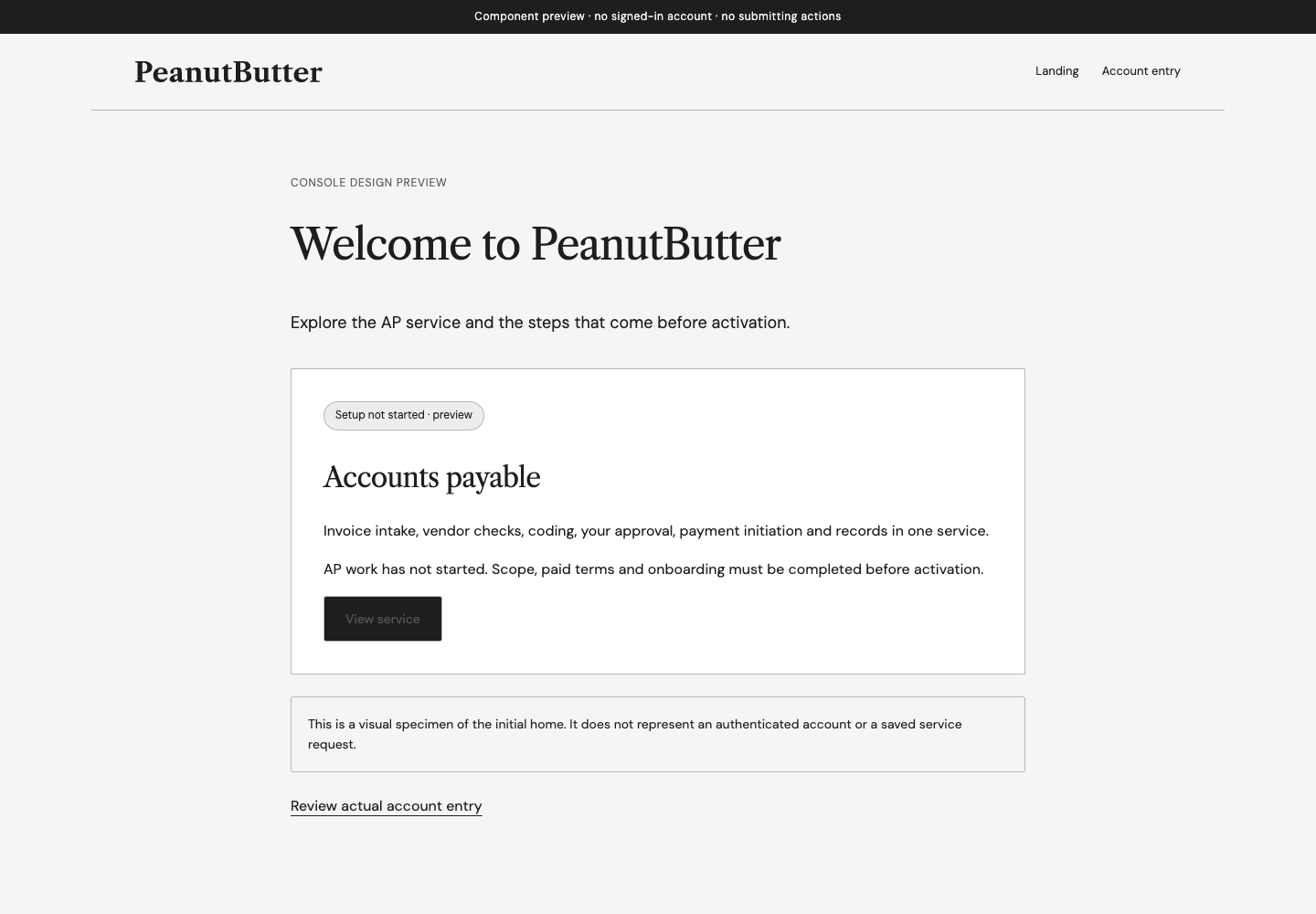
For US businesses paying US vendors in US dollars. Create your account first. Agree the scope, fixed fee and paid terms, then complete onboarding before activation.
We’re preparing the AP service for activation. Account creation does not start invoice handling or payments.
Whether you’re considering an AP clerk or replacing an outsourcer, begin with a clear scope and a clear approval process.
If you’re running the business yourself or with a small team, another hire is a significant step. Consider a defined service to take on the day-to-day accounts payable work.
Get startedMake the handover count. Establish what will be handled, what needs your approval and how invoice and payment records will be kept before you change providers.
Get startedThe intended service covers the workflow below. Agreed scope, volume limits and completed setup determine what can begin.
Collect incoming invoices for review.
Check vendor details and look for duplicate invoices.
Assign invoices to agreed accounting categories.
Present the invoice, recipient and amount to your authorized approver.
Initiate approved payments after checks and payment setup are complete.
Keep invoice, approval and payment records, including confirmed settlement when available.
Payment initiation and settlement are separate steps. No live invoice processing or payments are available in this preview.
Create your account with Google or an email sign-in link. Account creation does not activate the service.
Confirm scope, fixed fee and paid terms. Monthly and discounted annual upfront options are planned; prices and plan details are being finalized. There is no free service cycle.
Confirm your authorized approver and required information through the agreed setup process.
Work starts only after commercial, onboarding and readiness requirements are complete and activation is confirmed.
Your authorized approver decides which invoices may be paid, to whom and for how much. Changes require fresh approval. Vendor banking changes require human validation.
“Initiated” means a payment has been submitted. It does not mean the vendor has received the money. Settlement is shown separately, only when confirmed. Failed, returned or uncertain payments need review before another attempt.
Scope, fees and responsibilities must be agreed before work begins. Creating an account is only the first step.
The service is intended for US businesses paying US vendors in US dollars, whether you’re considering an AP clerk or changing outsourcers. Fit and scope need to be confirmed before activation.
Invoice intake, vendor verification, duplicate checks, coding, customer approval, payment initiation and recordkeeping. Exact scope, volume limits and exceptions must be agreed before service begins.
You’ll agree a fixed fee before service begins. Monthly and annual upfront options are planned, with an annual upfront discount. Prices, the discount and final plan details are being finalized.
There is no free service cycle. Creating an account does not purchase or activate the AP service. Paid service terms must be agreed before AP work begins.
No. It takes you to account signup. Payments require activation, completed payment setup and approval of the specific invoice, recipient and amount.
Connections are still being prepared. Available integrations and required setup will be confirmed before activation. Don’t send passwords or banking details through an ordinary message.
Paid service begins after agreed terms, completed onboarding and confirmed activation.